Live monitoring
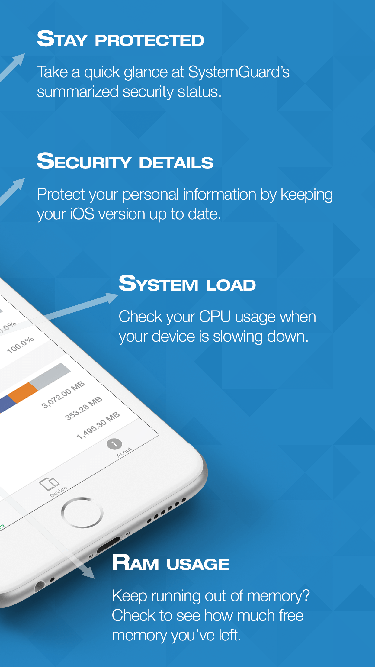
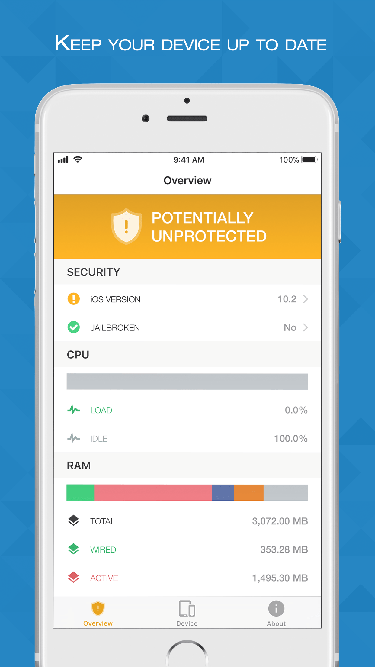
CPU load, memory and storage as live charts. Thermal state, Low Power Mode and battery at a glance. Every value opens its explanation — what it is, and whether it matters.
System Guard shows what your device is, what it is doing right now and whether everything is in order — clearly, honestly and without jargon. Every value explained with a tap.
Free · iPhone, iPad & Apple Watch · English and German
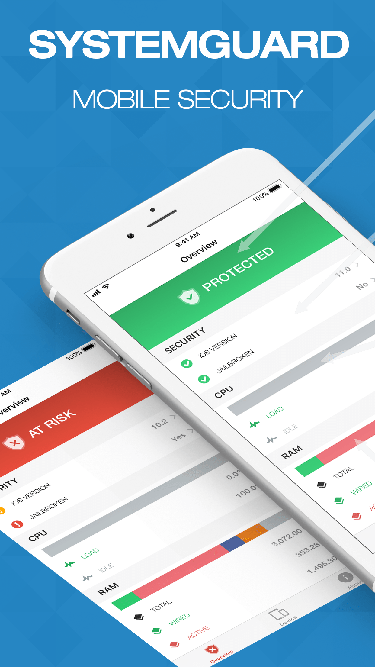
Only what Apple makes available to every app — read live, laid out clearly, and explained in plain language.
CPU load, memory and storage as live charts. Thermal state, Low Power Mode and battery at a glance. Every value opens its explanation — what it is, and whether it matters.
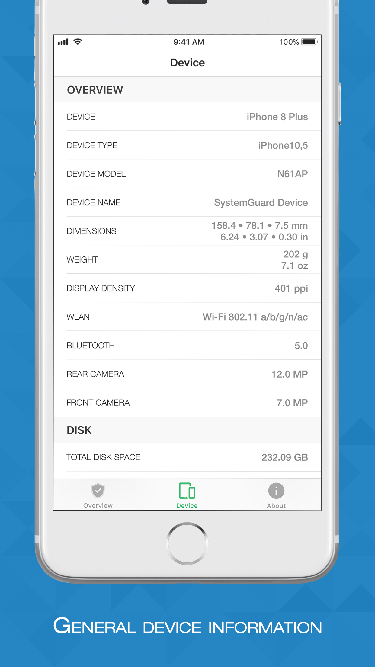
Model, chip, GPU, memory, display, cameras, sensors, biometrics. iOS version and build — and whether a newer version is available for your exact model.
Cycle count and real capacity of your iPhone, iPad and Apple Watch, read from the analytics file iOS writes every night. Share the file from Settings straight to System Guard; only the battery figures are kept, on your device.
Free storage, memory and heat over weeks, so you can see what is filling up and when the device runs warm — and a notification before you run out of room or when a new iOS is out. With System Guard Pro.
Connection type, local and public IP, Wi-Fi details, VPN, DNS servers, cellular technology and data traffic by day. A speed and latency test, and the devices on your local network.
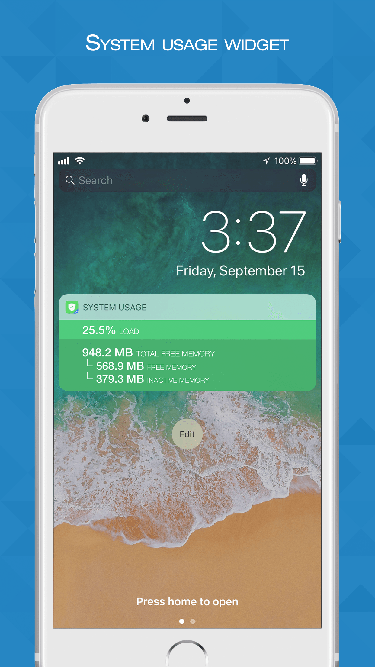
Home and Lock Screen widgets, Control Center controls, an Apple Watch app with complications, and Shortcuts actions for your automations.
No account. Nothing about your device is uploaded — not the model, not the addresses, not the test results, not your battery figures. Read the privacy policy.
Made for buying or selling a used device: each test shows an instruction, you judge what you see, hear or feel, and the app records your answer.
Passed
Storage used
Tap any screen to view it full size.

System Guard is free with ads. System Guard Pro — one purchase, no subscription — removes them and unlocks the full check-up and its report, the network tools, History and alerts, every widget and the remaining Shortcuts actions. Bought the ad-free upgrade years ago? It is still yours: tap Restore Purchases.
Send us a message and we'll reply as soon as we can. Bug reports, feature requests and general questions are all welcome — the FAQ answers the common ones.